Standalone production studio
Turn raw proof into complete media packages.
Standalone launch package
Ready / local-first
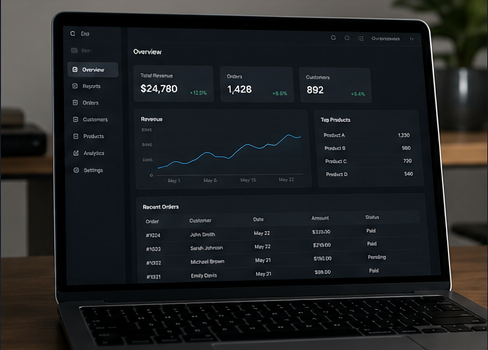
Proof first. Then polish.
Use reviewed assets, readable captions, and one direct next step.
Video
Hook
Proof
CTA
Captions
Problem
Proof line
Next step
Export
Manifest
Timeline
Captions
Irie Media Studio helps you review assets, shape the brief, build the storyboard, edit the timeline, write captions, and export a package another human, agent, render worker, or HeyGen approval flow can use.
Start from the way the work arrives.
Studio is standalone, but it is not isolated. It can start from a blank project, a client brand, imported job JSON, a Start Irie diagnosis, or a reusable production recipe.
Blank project
Start a manual media package for any brand, offer, product, or campaign.
Client / brand
Build a reusable kit, proof library, safety rules, and delivery package.
Import job JSON
Bring in an agent-readable package or saved production job and keep moving.
Start Irie job
Use diagnosis, offer, proof, CTA, and cleanup rules from the Start Irie project layer.
Template
Pick UGC ad, hero loop, walkthrough, founder explainer, case study, or carousel.
A production workflow, not a prompt box.
The Studio keeps the boring-but-important parts visible: asset safety, source context, timeline timing, captions, cleanup history, package validation, and delivery destinations.
Review assets
Mark what is public-ready, crop-first, blur-first, internal-only, or discard.
Shape the brief
Set the goal, audience, proof, CTA, constraints, and do-not-show rules.
Build the timeline
Turn the brief into hook, proof, human angle, action, captions, and pacing.
Gate the export
Block unsafe clips and layers before anything ships publicly.
Deliver the package
Download or send the files to Start Irie, a human editor, render worker, agent review, captions, or HeyGen MCP approval.
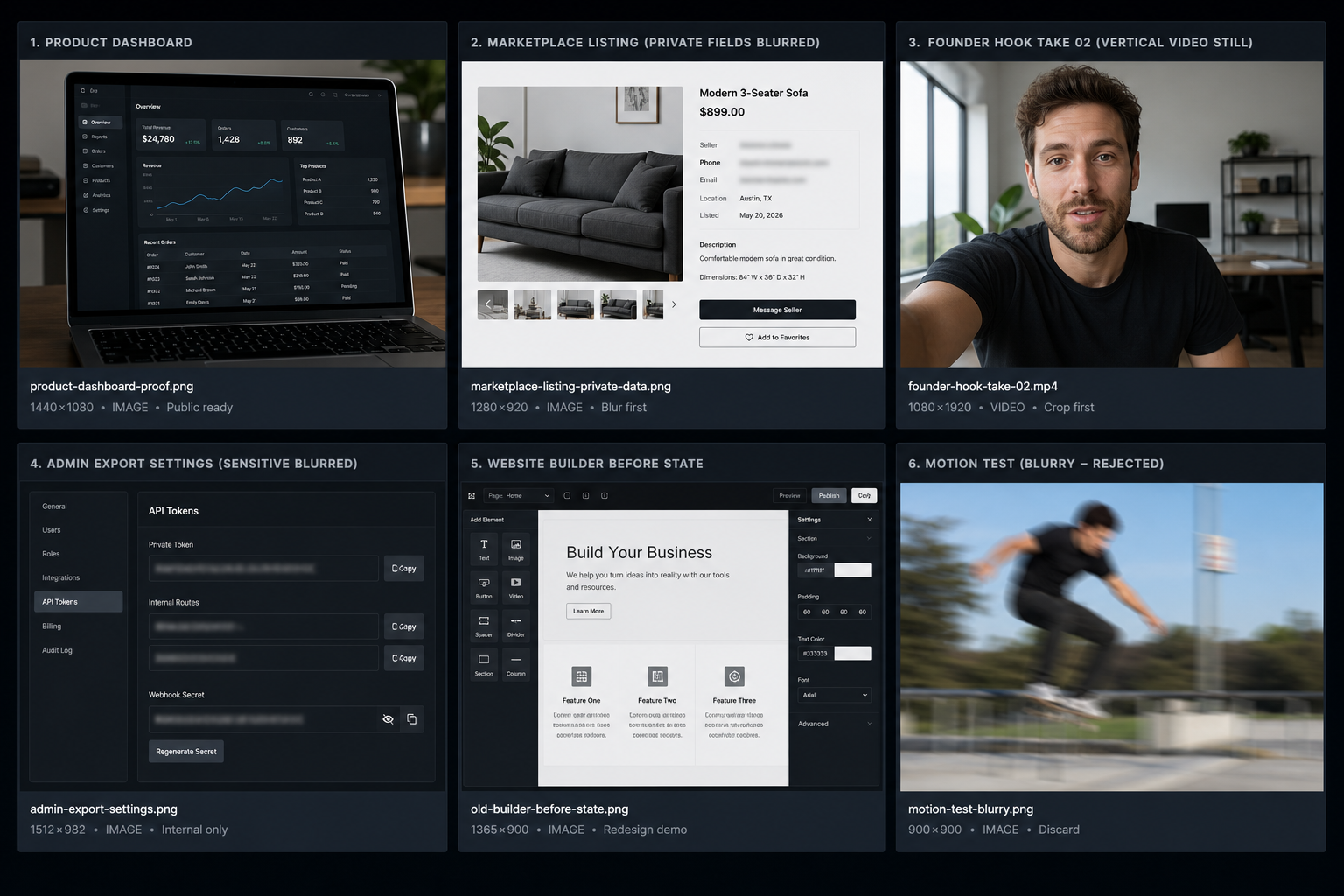
Use it to market the whole Irie ecosystem.
Start Irie can feed the Studio, but Studio can also stand alone for Irie Life, Irie Commerce, Irie Builder, client work, launch packages, proof-led walkthroughs, and social cutdowns.